A wireless internet router can cost about $170 for a current single-unit Wi-Fi 7 example, while mesh bundles and premium models cost more. On October 26, 2026, eero’s U.S. store listed the eero 7 at $169.99 for one unit, $284.99 for two, and $399.99 for three; its eero Pro 7 range was $299.99–$799.99 across the listed options (eero). Those are live examples from one brand, not a market-wide average or guaranteed price. Buying is a one-time equipment cost; renting adds a recurring charge only if your internet provider bills separately for equipment. Check what that fee covers before comparing.
Key Takeaways
- A current price reference is $169.99 for one eero 7; two- and three-unit bundles cost more.
- Buying saves money only if your provider lets you remove the rental charge and your new router replaces the rented function.
- Check whether you also need a modem, gateway, mesh nodes, or paid network features before setting a budget.
Current router prices: examples, not a universal average
Router prices depend on the kind of equipment and how many units you need. For a concrete, checkable benchmark, eero’s U.S. store listed these Wi-Fi 7 options on October 26, 2026:
| Product option | Listed price | What the price covers |
|---|---|---|
| eero 7, 1-pack | $169.99 | One router |
| eero 7, 2-pack | $284.99 | Two mesh-capable units |
| eero 7, 3-pack | $399.99 | Three mesh-capable units |
| eero Pro 7 range | $299.99–$799.99 | The store’s listed range across options; check the selected pack before checkout |
Prices can change, and taxes or delivery charges may apply. The comparison is useful as a real-time reference, but it does not establish the average U.S. router price or the cheapest available model. A sale, older Wi-Fi generation, or different brand can change the amount. Confirm the price for the exact model and pack you plan to buy.
A single router is usually the lowest-cost arrangement when it can serve the rooms and devices you use. A mesh kit costs more because it includes multiple units that work together to extend coverage. You may not need extra nodes just because a home is large: layout, walls, floors, router placement, and the location of the internet connection all affect coverage. Start with the rooms where Wi-Fi actually needs improvement rather than paying for a bundle based only on its maximum advertised coverage.
Featured image credit: Photo by Sean MacEntee on Flickr, CC BY 2.0; resized and padded. Illustrative stock only; it does not show a product tested for this article.
Is it cheaper to buy a router or rent one?
Buying can cost less over time if your ISP charges a separate, avoidable equipment fee and allows a compatible customer-owned router. Renting can be reasonable if the fee is bundled into your plan, the supplied device also includes a modem, you need provider-managed support, or you expect to move or change service soon. There is no universal winner: compare the charge on your actual bill with the full cost of the equipment you would have to replace.
Use this simple break-even calculation:
Router purchase price ÷ monthly rental fee you can actually stop paying = break-even months.
For example, compare the $169.99 eero 7 single-unit price with hypothetical monthly equipment fees. These figures illustrate the arithmetic; they are not quotes from an ISP. They exclude tax and any modem or other equipment you may also need.
| Hypothetical fee you can remove | 12 months of fees | 24 months of fees | Approximate break-even for a $169.99 router |
|---|---|---|---|
| $10/month | $120 | $240 | 17 months |
| $15/month | $180 | $360 | 12 months |
| $20/month | $240 | $480 | 9 months |
At $10 a month, for instance, the fees add up to $240 over two years, more than the example router’s purchase price. But that only represents savings if the ISP confirms the fee will disappear after you return its equipment and activate your own. If the charge covers a gateway with a built-in modem as well as Wi-Fi, buying a router alone might not replace everything you are renting. A fee that stays on the bill does not create a router-purchase break-even point.
The calculation also assumes the router lasts through the comparison period and that you do not need another paid device or subscription. For a longer comparison, include the cost of replacing a failed or outdated router and any fees for features you choose. Ask the provider whether it supports customer-owned devices, which specifications it requires, and what equipment must be returned to stop the charge.
What costs can be missing from a router’s sticker price?
The router itself is only one part of a home internet setup. A router creates the home network, but it does not provide an internet connection or replace every device that connects your home to the provider. TP-Link’s Archer AX55 product information, for example, says a cable or DSL modem may be needed and an internet-provider subscription is required for internet access (TP-Link). The exact setup depends on your service type and ISP.
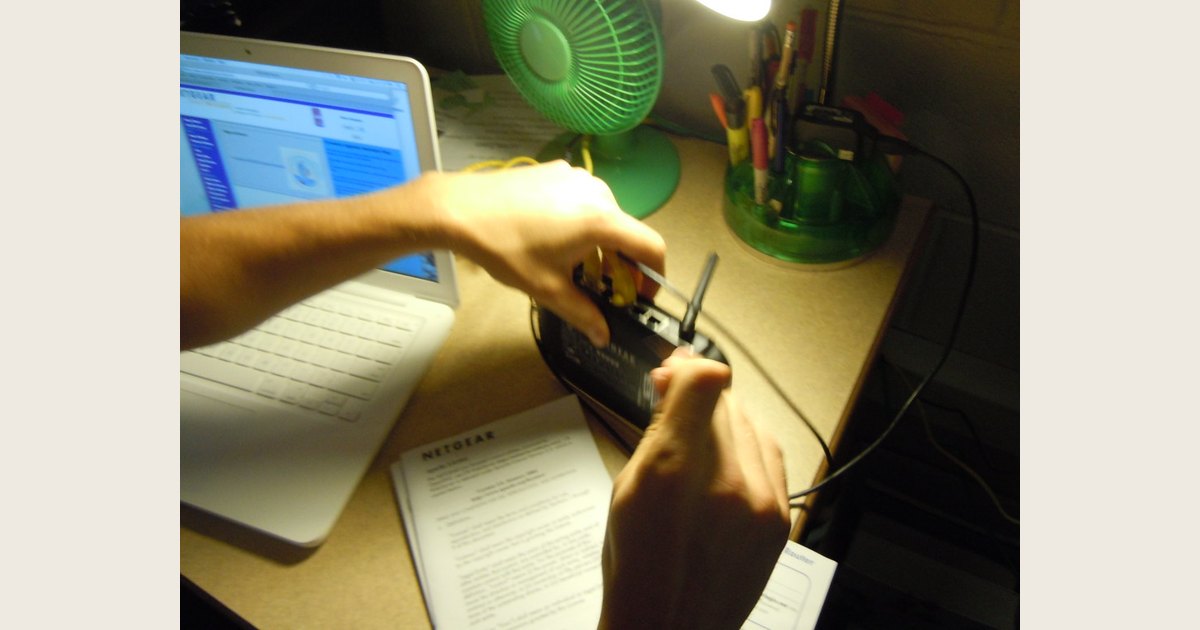
Illustrative stock photo: the visible cable connection shows a router being wired, but not whether the pictured device also contains a modem. If your ISP rents a modem-router gateway, a stand-alone router may replace only its Wi-Fi function. Photo: “Wireless Router” by mathplourde on Flickr, CC BY 2.0; resized and padded.
Before buying, account for these possible additions:
- A separate modem or gateway: Some plans use a combined gateway; other setups pair a router with a separate modem or fiber terminal. Find out which device you have and what it does before replacing it. See our guide to router, modem, and gateway differences.
- More coverage equipment: If one router leaves dead zones, a compatible mesh node or extender may add to the total. Check whether it works with the system you are buying rather than assuming every product combines seamlessly.
- Optional subscriptions: Some router brands charge for advanced security or management features. eero advertises an optional eero Plus plan; TP-Link says its HomeShield basic plan is free and fees apply to its Pro plan. You can leave these out of the cost comparison if you do not want the paid features.
- Provider and ownership terms: Ask about activation, equipment-return deadlines, support for customer-owned devices, and any charge that remains when you use your own router. Terms vary by plan and location, so check your provider’s current equipment list and bill.
- Sales tax and replacement: Add checkout charges and consider whether you could afford a replacement if your personally owned device fails. A recurring rental fee and a one-time purchase do not provide identical support or replacement arrangements.
Do not pay extra for a specification you cannot use. The TP-Link AX55 is a Wi-Fi 6 router, but its listed wireless rates are theoretical maximums; TP-Link notes that real results vary with the network, connected devices, and environment. A higher advertised number is not a promise of faster internet in every room. If you are comparing generations or bands, start with what dual-band Wi-Fi means, then match the features to your devices and internet plan.
How to decide what to pay
Use these steps before ordering a router or agreeing to a rental:
- Read your internet bill. Identify the exact line item for Wi-Fi, a gateway, modem, or equipment. Do not assume the full monthly plan price is an equipment rental.
- Ask what the charge includes. Confirm whether the rented unit is a router only or a combined modem-router gateway, whether you can use your own equipment, and what model requirements apply.
- Get the savings in writing or in your account details. Ask what you must return and when the rental fee will stop. Keep the receipt or return confirmation.
- Match the replacement to your service. Confirm compatibility with the ISP, service type, and speed tier. The router’s ports and supported Wi-Fi generation should fit your use, but they cannot raise the speed of your subscribed internet plan.
- Choose one unit or mesh based on the problem. If Wi-Fi is reliable in most rooms, compare a single router’s cost first. If it is not, check placement and dead zones before deciding that a multi-unit kit is worth the added price.
- Compare the same time period. Add the purchase price, any modem or mesh devices, and any optional subscriptions. Compare that total with the rental charge you can actually remove over 12, 24, or 36 months.
If the existing connection is acting up rather than simply costing too much, try restarting a wireless router correctly before buying a replacement. A restart can help with some temporary issues, but it will not fix a broken device, an ISP outage, or a dead zone caused by the home layout.
Common questions about router costs
Does a router’s price include internet service?
No. The purchase price covers the router hardware, not a monthly broadband plan. TP-Link’s product requirements separately list an ISP subscription for internet access. Confirm whether your ISP also requires a modem, gateway, fiber terminal, or other equipment.
How much does a mesh router system cost?
There is no single mesh-system price because the model and number of units matter. As a current example, eero listed its eero 7 at $284.99 for two units and $399.99 for three on October 26, 2026; those prices can change and are not a market-wide range. Compare the pack size you need, not just the lowest “starting at” price.
Can I use my own router with my ISP?
Often this depends on the ISP, service type, plan, and whether you are replacing a router or a combined gateway. Check the provider’s compatibility list and ask whether using your own device removes the equipment charge. A router that connects to a modem on one service may not replace the modem or gateway required by another setup.
Is renting a router ever the better value?
It can be, especially if you need provider-managed equipment, the rental fee is already included in the plan, or you would need to buy both a router and a modem. Compare the provider’s actual fee and support terms with the complete purchase cost; do not decide from a hypothetical rental price alone.
Bottom line
Use $169.99 as a current reference for one specific single-unit router, not as the universal price of a wireless internet router. For mesh, eero’s listed two- and three-unit examples were $284.99 and $399.99 when checked; other systems and prices differ. Buying makes financial sense when you can remove a separate rental charge, choose equipment that works with your plan, and expect to keep it long enough to pass the break-even point. If the ISP fee includes a modem or its removal is uncertain, verify the bill and equipment requirements before spending. The best budget is the full cost of a setup that solves your actual coverage and service needs—not the lowest advertised router price.