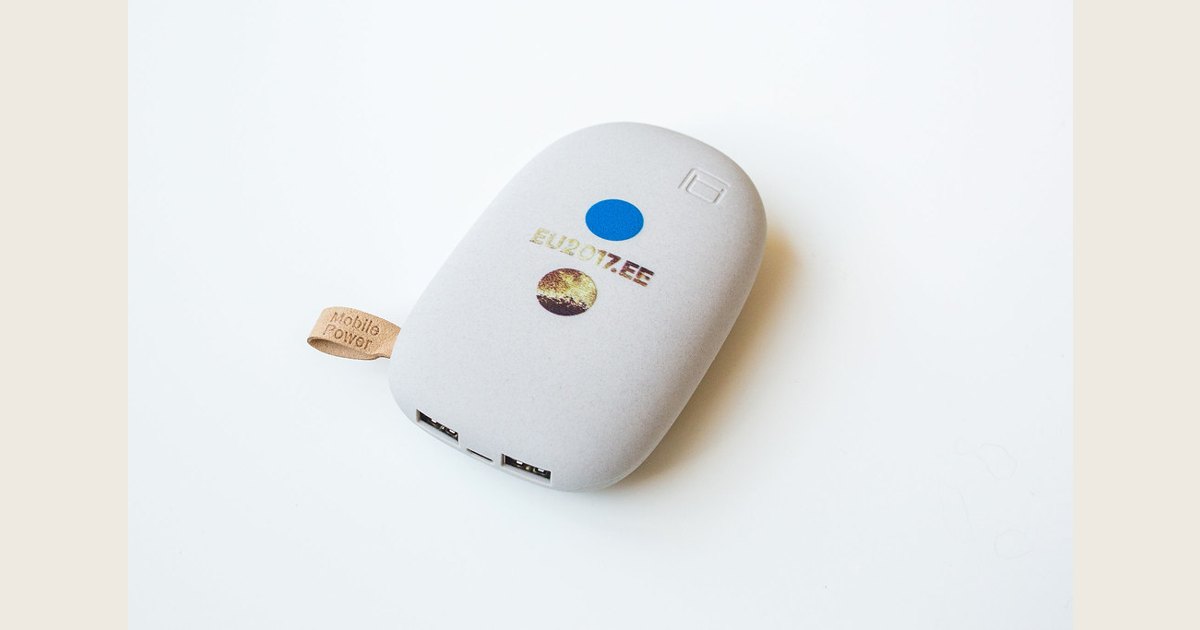
A power bank is a portable rechargeable battery that stores electricity so you can charge a phone, tablet, earbuds, or another compatible device away from a wall outlet. The Federal Aviation Administration (FAA) calls these products portable rechargers or external battery chargers that contain lithium-ion batteries. You recharge the power bank in advance, then connect your device with the right cable when you need backup power. FAA guidance treats a power bank as a spare, uninstalled lithium-ion battery for air-travel purposes.
The two numbers that matter most are capacity and output power. Capacity, usually shown in milliamp-hours (mAh), helps you compare how much energy a bank can store. Output, usually shown in watts (W), helps determine whether it can charge a particular device at the speed that device supports. Think of capacity as the size of a fuel tank and watts as the size of the nozzle: a larger mAh number does not automatically mean faster charging—or an exact number of phone recharges.
Key takeaways
- Pick capacity for the time away from an outlet, but treat advertised recharge counts as estimates rather than guarantees.
- Check the power bank’s per-port output, your device’s charging needs, and the cable—not just whether both ends say USB-C.
- USB-C is a connector type; USB Power Delivery (USB PD) is a charging standard that compatible products use to provide more flexible power delivery.
- For flights, power banks belong in carry-on baggage, not checked bags. Check the watt-hour label and your airline’s rules before packing.
Featured image credit: Photo: Power bank by EU2017EE, https://www.flickr.com/photos/145047505@N06/37557956782; https://creativecommons.org/licenses/by/2.0/. Resized and padded. Illustrative stock photo; no product testing is implied.
How a power bank works
Inside a power bank are rechargeable battery cells, charging electronics, a control circuit, and one or more ports. It stores energy when connected to wall power, then delivers controlled power through an output port to your device.
Unlike a wall charger, a power bank carries a limited supply of stored energy and must eventually be recharged itself.
Look carefully at port labels before connecting anything:
- Input is the port used to recharge the power bank.
- Output is the port used to charge another device.
- Input/output means the same port can do both jobs, but not necessarily at the same time or at the same maximum power.
Many current products use USB-C for input, output, or both. USB-A is still common on older or multiport models. The connector shape alone does not tell you the charging speed, what protocols are supported, or which direction a port can supply power. The product label or manual does.
What mAh means—and why it is not an exact recharge count
Milliamp-hours, written as mAh, measure battery capacity. As a simple comparison, a 20,000mAh power bank has a larger stated capacity than a 10,000mAh model. But mAh is not a literal count of how many full phone charges you will receive.
A power bank’s cells and a device’s battery operate at different voltages, so the bank must convert its stored energy to USB output. Energy is also used by the electronics and lost during charging. Device use, charge level, battery age, and charging mode can change the result.
Treat a maker’s “charges an iPhone X times” statement as a rough comparison made under its own conditions, not as a promise. Compare mAh among similar products, then check each product’s listed watt-hours, weight, ports, and output rating.
Watt-hours (Wh) combine capacity and voltage, which is useful when comparing batteries and checking airline limits. The FAA explains the calculation as voltage multiplied by amp-hours (Ah). To convert mAh to Ah, divide by 1,000 first. A label showing 10,000mAh at 3.7V works out to about 37Wh: 3.7 × 10Ah. Use the Wh figure printed on the specific product when available. The FAA’s battery guidance also uses Wh for passenger limits.
Quick label check: Look for capacity (mAh), energy (Wh), input, per-port output, and total output. That five-item scan reveals more than a front-of-box “fast charge” claim.
Choose capacity for the way you will use it
Start with the problem you want the bank to solve rather than selecting the largest number on the shelf. More capacity usually means more size, weight, and recharge time.
| Your situation | A practical starting point | What to check next |
|---|---|---|
| A short commute or an emergency top-up | A compact, lower-capacity model | Whether it has the right cable or port for your phone |
| A full day away from an outlet | A mid-capacity model | Enough output for your device and a comfortable carrying size |
| A weekend, travel, or several devices | A higher-capacity model | Total ports, total output, recharge time, and Wh label |
| A USB-C laptop or high-power tablet | A model explicitly rated for that device’s charging power | Per-port watts, cable rating, and the device maker’s requirements |
For a phone-only bank, portability may matter more than maximum capacity. For a shared family bag, more ports and a clear total-output rating can be more useful. For a laptop, a USB-C port is not enough by itself: the bank, cable, and laptop need compatible power capabilities.
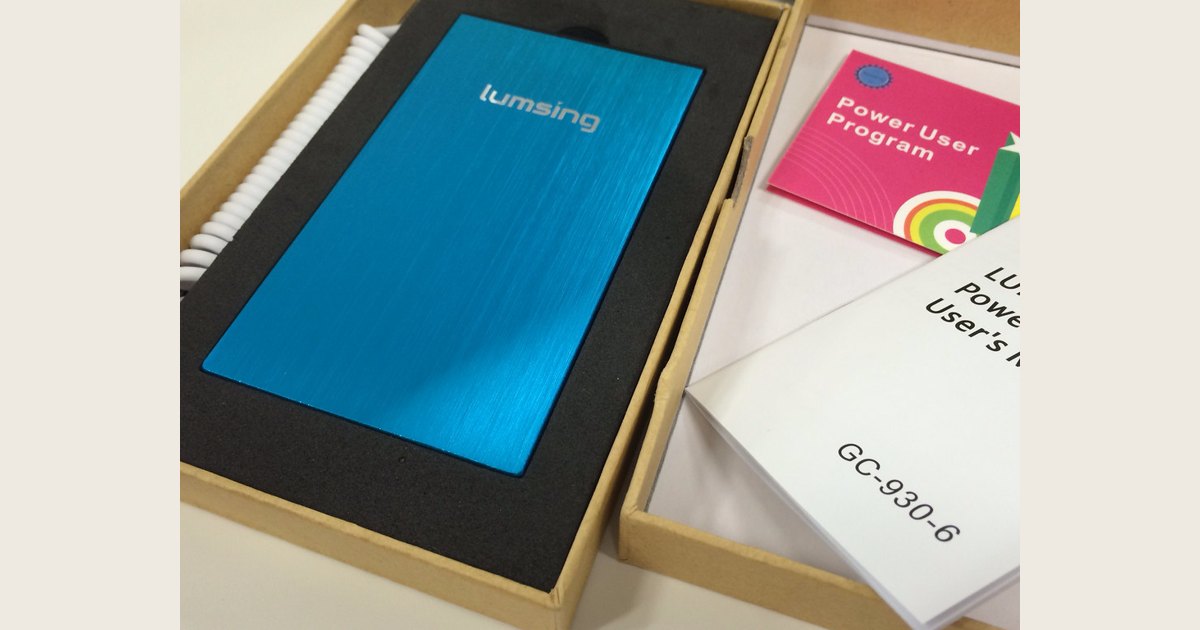
Photo: Lumsing Power Bank GC-930-6 Blue by yto, https://www.flickr.com/photos/27983255@N00/15801165968; https://creativecommons.org/licenses/by/2.0/. Resized and padded. Illustrative stock photo; no product testing is implied.
Ports, watts, and charging speed
Watts describe power: how quickly energy can be delivered. A power bank may list a rating for each port and a separate total for all ports combined. Read both; a multiport bank may not provide its highest listed output from every port at once.
USB Power Delivery is commonly abbreviated as USB PD. According to the USB Implementers Forum, the specification provides more flexible power delivery along with data over a single cable, and compatible equipment can request the power it needs. Support for USB PD does not mean every USB-C cable, charger, device, or power bank supports the same level.
Before buying, use this checklist:
- Check your device’s documentation. Note its charging connector and, if listed, the power it can accept.
- Read the power bank’s output specifications. Look for the rating for the exact port you plan to use, not only a large “maximum” number on the package.
- Use a suitable cable. A cable that fits may still limit the available charging capability or be intended for a lower-power use.
- Check how the bank recharges. A large bank with low input power can take much longer to refill than a similar-capacity model with a higher supported input.
- For two or more devices, check shared output. Product documentation should say whether outputs are shared and what happens when multiple ports are in use.
Fast charging is a matched system, not a feature supplied by the power bank alone. If one part of the chain—the device, bank, charger, cable, or selected port—does not support a higher-power mode, charging can fall back to a lower rate.
Common power-bank types and tradeoffs
Common choices include:
- Slim phone power banks prioritize pocket or bag space, but their smaller capacity limits how long they can help.
- High-capacity multiport banks suit trips or more than one device, with a tradeoff in weight, bulk, and recharge time.
- Built-in-cable models reduce the chance of forgetting a cable. Make sure the connector matches your device.
- Magnetic or wireless models can be convenient for compatible phones. Check their stated wired and wireless output separately.
- Higher-output USB-C models may suit certain tablets or laptops when the stated watts, cable, and device requirements line up.
A practical spec-reading example: if a bank says 30W USB-C output, 18W USB-A output, and shared 30W maximum, the 30W figure is not necessarily available from both ports at the same time. Read the per-port ratings and the shared total together.
Choose from a clear specification sheet, not a “fast charge” label alone.
Use it safely and pack it correctly for a flight
Follow the maker’s charging and storage instructions, and keep the bank and its ports dry and protected from physical damage. Do not continue using one that is visibly damaged, swollen, leaking, or behaving unusually. If a lithium battery overheats, expands, smokes, or burns during a flight, the FAA says to notify the flight crew immediately. FAA guidance notes that lithium-ion batteries can overheat and enter thermal runaway when damaged, overheated, overcharged, exposed to water, or improperly packed, among other causes.
For U.S. flights, the FAA says power banks must be in carry-on baggage only. If a carry-on is checked at the gate, remove the bank and keep it in the cabin. Protect terminals from short circuit. Rechargeable lithium-ion batteries up to 100Wh are within the standard limit; those over 100Wh through 160Wh require airline approval, and the FAA limits those larger spare batteries to two per passenger. Airlines may set stricter limits. The FAA also says damaged or recalled batteries that could create sparks or dangerous heat cannot be carried unless made safe. For flight details and an example calculation, see Is a 20,000mAh Power Bank Allowed on a Plane? TSA and FAA Rules Explained.
Troubleshooting a power bank that will not charge—or charges slowly
Start with these checks:
- Check the indicator. The bank may be empty, or its button may need to be pressed to show charge level.
- Confirm port direction. Use an output to charge your device and an input-capable port to recharge the bank.
- Try a known-good cable and wall charger. Inspect cable ends and the bank’s port for debris or damage.
- Test one device at a time. Multiple devices can change available output on some models.
- Compare specifications. Slow charging can result when the selected port, cable, or device supports less power than another part of the setup.
- Stop if there is damage or abnormal heat. Do not open or repair the battery yourself; follow the maker’s instructions.
If the bank still will not accept a charge or deliver power with compatible, undamaged equipment, use the manufacturer’s support process.
Frequently asked questions
Is a power bank the same as a portable charger?
In everyday shopping, yes. “Power bank,” “portable charger,” and “external battery” commonly describe a rechargeable battery pack that charges other devices away from an outlet. The important differences are its capacity, ports, output rating, and physical design.
Can a power bank charge itself and a phone at the same time?
Some models support a feature often called pass-through charging, while others do not. Check the manual for the specific model and any limits it sets. Do not assume an input/output port supports both tasks simultaneously.
How long does a power bank take to recharge?
There is no single answer. It depends on the bank’s remaining capacity, its supported input power, the wall charger, and the cable. A high-capacity bank can take substantially longer than a small one, especially when recharged through a lower-power input.
What should I look for first?
Choose a capacity and size you will actually carry, then verify connector compatibility, per-port output, cable needs, recharge input, and the Wh label if you travel. Those details are more useful than a capacity number by itself.